Motion-sensor lights work best in places people pass through briefly and predictably: closets, pantries, halls, stairs, laundry areas, garages, and utility spaces. They are less successful where someone may sit, read, watch television, work at a desk, or stand relatively still at a counter. In those rooms, a conventional switch, dimmer, manual-on vacancy sensor, or a sensor designed to detect finer movement is usually a better fit.
The practical answer to where to put motion sensor lights is not simply 鈥渨here people walk.鈥?Consider what people do after entering, how directly the sensor can see them, and whether the light turning on by itself would be welcome. The fixture and the sensor settings matter, but movement patterns matter more.
Start with the room's movement pattern
A useful way to plan motion sensor light placement is to sort areas into four groups.
| Area type | Typical movement | Motion sensing usually works? | Main consideration |
|---|---|---|---|
| Pass-through area | Walking in and out | Yes | Aim coverage across the travel route |
| Short task area | Reaching, sorting, loading | Usually | Use a sensible timeout |
| Stationary task area | Cooking, desk work, grooming | Sometimes | Fine-motion detection and coverage matter |
| Resting or sleep area | Sitting, lying down, sleeping | Often no | Avoid unwanted activation and premature shutoff |
A typical residential motion sensor uses passive infrared (PIR) sensing. PIR sensors detect changes in heat as a person moves through their detection zones, so they generally need a reasonably clear line of sight and are strongest at detecting larger movement such as walking. Lutron's occupancy-sensor guide describes PIR as particularly suited to enclosed spaces with higher levels of occupant movement. Read the guide.
That helps explain a common disappointment: a sensor may reliably turn lights on when a person enters, yet turn them off while that person is still in the room. It has not necessarily failed; the person may simply no longer be moving enough for that sensor and location to detect.
Best places for motion sensor lights
Closets, wardrobes, and dressing areas
Closets are among the best places for motion sensor lights. Entry is brief, hands are often occupied, and there is normally enough movement鈥攐pening a door, reaching for clothes, turning, and leaving鈥攖o keep a basic sensor active.
Place the sensor so it sees the person entering and using the closet, rather than only the doorway. A door-mounted contact sensor or fixture-integrated sensor can also make sense in a small closet, but check that the light will not be blocked by clothing or shelving.
Pantries
A pantry is an especially natural application. You enter with groceries or cooking equipment, look for items, and leave. Automatic light is helpful, while an automatic shutoff is unlikely to be disruptive.
Mount or aim the sensor toward the entry path and main shelves. Avoid placing it where an open pantry door can block its view. A moderate timeout provides a little time for searching without keeping the light on unnecessarily after you leave.
Hallways, landings, and stairs
Hallways and stairs are strong candidates because they are pass-through zones. A sensor can provide light before a person reaches the switch, which is particularly useful at night.
For stairs, make sure the sensor recognizes approach from the direction people actually use. A sensor located only at the top may not reliably activate for someone approaching from below, and vice versa. In a long or L-shaped hall, one sensor may leave blind spots; separate controls or overlapping coverage may be more dependable.
Keep the activation area focused on the hall or stair route. If the sensor can see into a busy living room, kitchen, or through an exterior-facing window, it may turn the lights on far more often than intended.
Laundry rooms, garages, and utility spaces
These rooms often involve carrying loads, handling tools, or moving between storage and appliances. They are well suited to automatic-on lighting because occupants tend to move around rather than remain seated.
A garage sensor should cover the pedestrian door and work area, not merely the vehicle path. In storage-heavy spaces, confirm that shelving, cabinets, or an open garage door do not obstruct the sensing field.
Kitchen entries and circulation zones
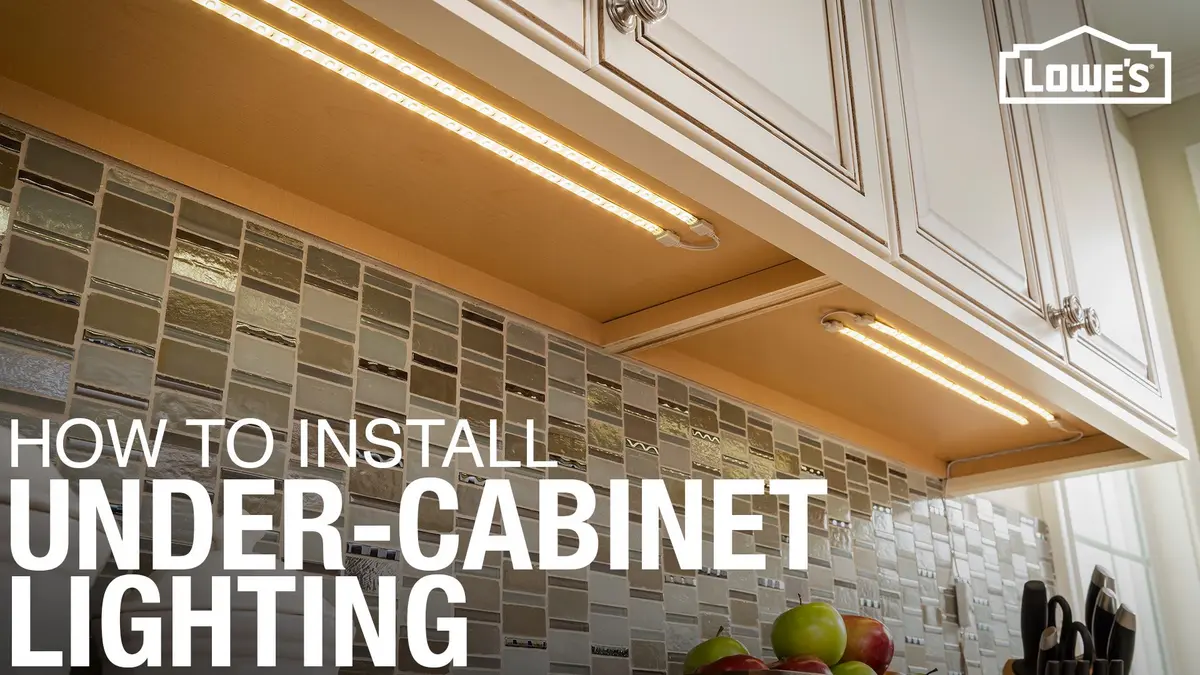
Motion sensing can work well at a kitchen doorway, between an island and a refrigerator, or for toe-kick and under-cabinet night lighting. It is most useful when it controls a low-level path light rather than all of the kitchen's general lighting.
For example, a dim nighttime light can come on when someone walks in for water without filling the room with bright overhead light. If you are planning under-cabinet lighting, see our guide to under-cabinet lighting installation.
Places where motion lights often become annoying
Beside the bed
A motion sensor next to a bed can activate when someone turns over, gets up briefly, or a partner moves during the night. If it controls bright ceiling lighting, it can be jarring and disruptive.
If you want hands-free night lighting, use a low-output, warm path light aimed at the floor, and keep its detection zone tightly limited to the bedside route. Do not aim it across the bed. Better still, consider a manual bedside control or a low-level light triggered only near the bedroom door.
Bedrooms are also places where automatic-on lighting may be unwelcome during daytime naps, when someone enters quietly, or when one person is sleeping. A vacancy sensor鈥攎anual on, automatic off鈥攃an be a better compromise. It does not switch the lights on every time the room detects movement.
Living rooms and television areas
A typical motion sensor is a poor primary control for a living room. People may sit still for long periods, and the light may time out during a film, conversation, or reading session. It may also turn on when someone passes the doorway while another person is trying to keep the room dark.
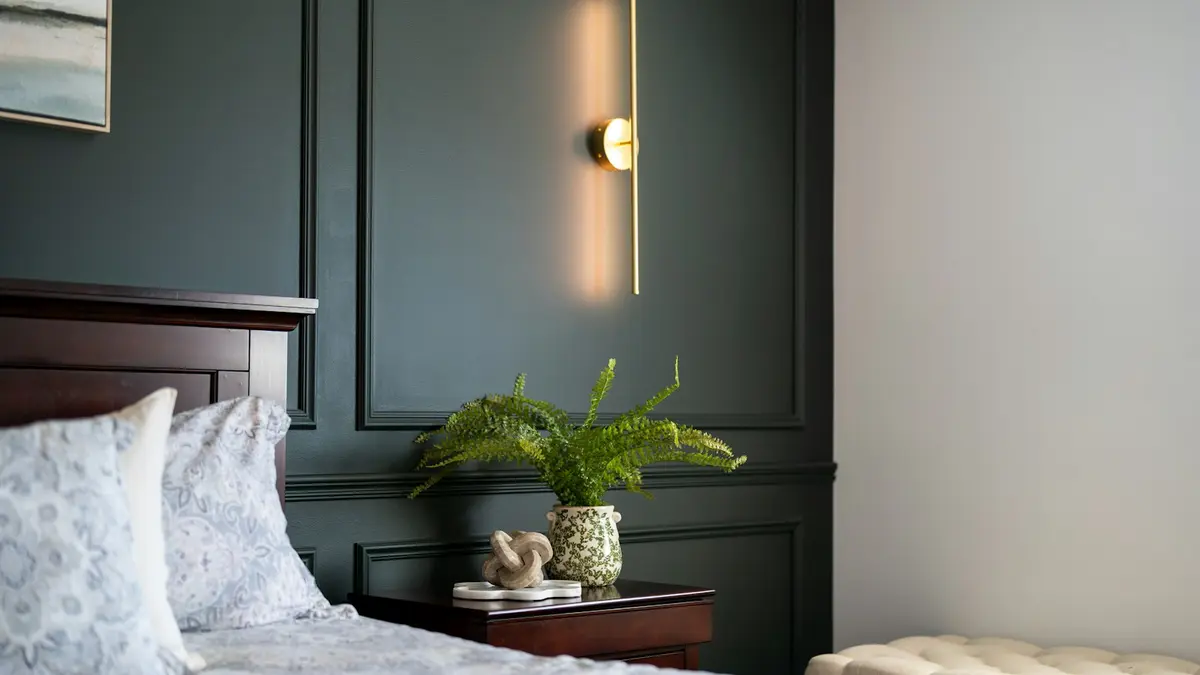
Use manual controls, scenes, or a dimmer for main living-room lighting. If you use a sensor at all, restrict it to an entry path or a low-level lamp rather than the room's main lights. For more general planning, see bedroom corner lighting; the same principle applies in sitting areas: localized lighting should support the activity without over-lighting the room.
Desk areas and home offices
At a desk, people can type, read, attend a video call, or focus on a screen with limited body movement. A basic PIR sensor may not keep lights on consistently, especially if it is behind the occupant or blocked by a monitor.
A sensor with fine-motion capability, ultrasonic sensing, or dual technology may perform better in stationary work areas. Ultrasonic sensing can detect smaller movement and does not require the same unobstructed line of sight as PIR, according to Lutron's occupancy/vacancy sensor design guide. See the guide. Even then, manual control is often preferable for task lighting and screen-based work. See our home office lighting guide for a layered approach.
Cooking positions
A sensor at the kitchen entrance may activate reliably when you enter, then fail while you stand at the stove or counter with limited movement. Conversely, a wide-angle sensor can be triggered repeatedly by someone walking through an adjacent room.
For a kitchen, separate the controls where possible: use motion sensing for circulation or low-level lighting, and a regular switch or dimmer for the main ceiling and task lights. This gives you reliable light for cooking without making the entire room dependent on sensor coverage.
Placement rules that prevent nuisance activation
Aim across movement, not directly down the route
PIR sensors often detect a person more readily when they move across sensing zones than when they walk straight toward the sensor. In practical terms, a sensor on a side wall may recognize someone crossing a hall better than one pointed directly along its full length. Test this in the actual space; the sensor lens and manufacturer settings affect the pattern.
Keep clear line of sight in mind
PIR coverage can be weakened or interrupted by doors, tall shelving, cabinets, hanging clothes, and large furniture. Avoid treating the stated coverage area on packaging as a promise that every spot in a furnished room will be detected.
Do not point indoor sensors toward unrelated activity
A sensor near a hallway can react to pets, people in an adjoining room, or movement visible through an open doorway. Reduce its range or change its angle before assuming the device is defective.
For outdoor fixtures, the same principle applies at a larger scale: branches, passing traffic, animals, and neighboring activity can create unwanted triggers. Walk through the detection area from several distances and angles after installation, then adjust the range and aim. This test-and-adjust approach is also recommended in an outdoor detector placement guide.
Choose the sensing mode before choosing the timeout
The labels vary, but these control modes are worth distinguishing.
- Occupancy mode: turns lights on automatically when motion is detected and turns them off after a period without detected movement.
- Vacancy mode: requires manual turn-on but turns lights off automatically later. This is often more comfortable in bedrooms, offices, and living spaces.
- Motion sensing: generally detects movement, not continuous human presence. Do not assume it will know that a still person remains in the room.
- Fine-motion or presence-oriented sensing: can be more suitable where people sit or work relatively still, though placement and settings still matter.
If lights turn off while someone is sitting on a couch or working at a counter, first try standing or sitting closer to and more directly in view of the sensor. If performance improves, placement or line of sight is likely part of the problem. If the sensor reacts as soon as the person shifts position, the issue may be timeout, sensitivity, or the difference between motion detection and true presence detection rather than a broken light.
Set timeout and sensitivity for the room
There is no ideal timeout for every room. Set it according to the consequences of an early shutoff.
- Hall, closet, or pantry: A shorter timeout is usually practical because occupants are moving and will soon leave.
- Laundry, garage, or utility room: Use enough time to cover loading, sorting, or a brief pause at equipment.
- Kitchen task zone: Choose a longer timeout if the sensor controls useful work light, but consider separate manual control instead.
- Living room, bedroom, and office: A long timeout may reduce shutoffs, but it will not solve unwanted automatic-on behavior. Consider vacancy mode or manual control.
Lower sensitivity or a narrower range can stop a light from reacting to movement outside the intended zone. But reduce these settings gradually. An overly aggressive adjustment can create a new problem: a light that fails to come on until you are already well inside the dark area.
Test coverage before permanently mounting a light
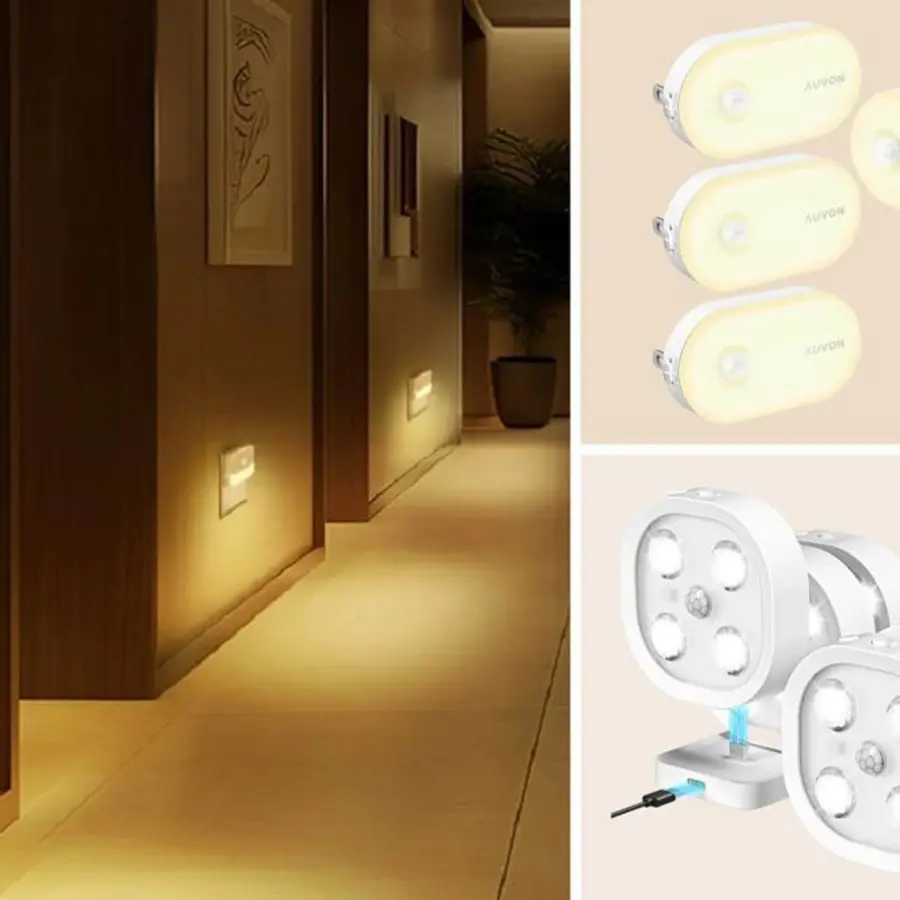
A little temporary testing can avoid the most common motion-sensor mistakes. Use a plug-in sensor light, temporary mounting method where appropriate, or the device's test mode before making a final installation decision.
- Mark the intended trigger point. This might be the first stair tread, pantry threshold, or hallway entrance.
- Walk the real routes. Approach from every doorway and direction, including at night if nighttime use is the goal.
- Stand where people will actually stay. Test the stove, desk, couch, or bedside鈥攏ot just the middle of the room.
- Check for false triggers. Watch what happens when someone moves in the next room, a door opens, or pets pass through.
- Adjust one setting at a time. Change angle, range, sensitivity, or timeout, then repeat the route.
- Live with the setting briefly. A sensor can appear successful during a quick test but become irritating during normal routines.
For a hardwired wall switch or ceiling sensor, verify compatibility with the existing circuit and fixture. Many electronic controls require a neutral connection, while others are designed to work without one. Do not assume the existing wall box has the wiring a particular control needs; our explanation of why light switches may need a neutral wire covers the basic issue. Use a qualified electrician when wiring, circuit condition, or local requirements are uncertain.
A simple decision rule
Put motion-sensor lights where people are passing through, carrying something, or moving continuously. Avoid using ordinary motion detection as the main control where people are resting, sleeping, watching, reading, or working still.
When a space falls between those two categories, separate the lighting functions. Let a sensor control a low-level path light or entry light, while a manual switch or dimmer controls the light needed for cooking, working, relaxing, or sleeping. That arrangement preserves the convenience of automatic lighting without making the room feel controlled by it.
References
- Lights Off While Sitting Still? Check Sensor Coverage. (n.d.). https://whizz-experts.com/support/smart-devices/occupancy-sensor-turns-lights-off-while-sitting-still
- Occupancy Sensor Vs Motion Sensor: Electrical Engineers鈥?Guide in Lighting Projects - PacLights. (n.d.). https://www.paclights.com/explore/occupancy-sensor-vs-motion-sensor-electrical-engineers-guide-in-lighting-projects
- Occupancy/Vacancy Sensor Design and Application Guide. (n.d.). https://assets.lutron.com/a/documents/3683197.pdf
- Outdoor Motion Detector Light Placement: Security and Safety Zones - LED Light Expert. (n.d.). https://www.ledlightexpert.com/outdoor-motion-detector-light-placement-security-and-safety-zones
- Lutron MS-OPS2-BL Maestro PIR Occupancy Sensor Switch | 2A, 120V 鈥?Bees Lighting. (n.d.). https://www.beeslighting.com/products/lutron-ms-ops2-bl-maestro-120v-occupancy-vacancy-motion-sensor-light-switch-pir-single-pole-black
- occupancy sensor product guide. (n.d.). https://assets.lutron.com/a/documents/367-1126.pdf
- How Motion Sensor Switches Work: Occupancy & Vacancy Guide 鈥?Bees Lighting. (n.d.). https://www.beeslighting.com/blogs/ideas-advice-blog/how-motion-sensors-work
- Motion Sensor Light Installation: A Complete Guide. (n.d.). https://mtruhl.com/articles/motion-sensor-light-chester