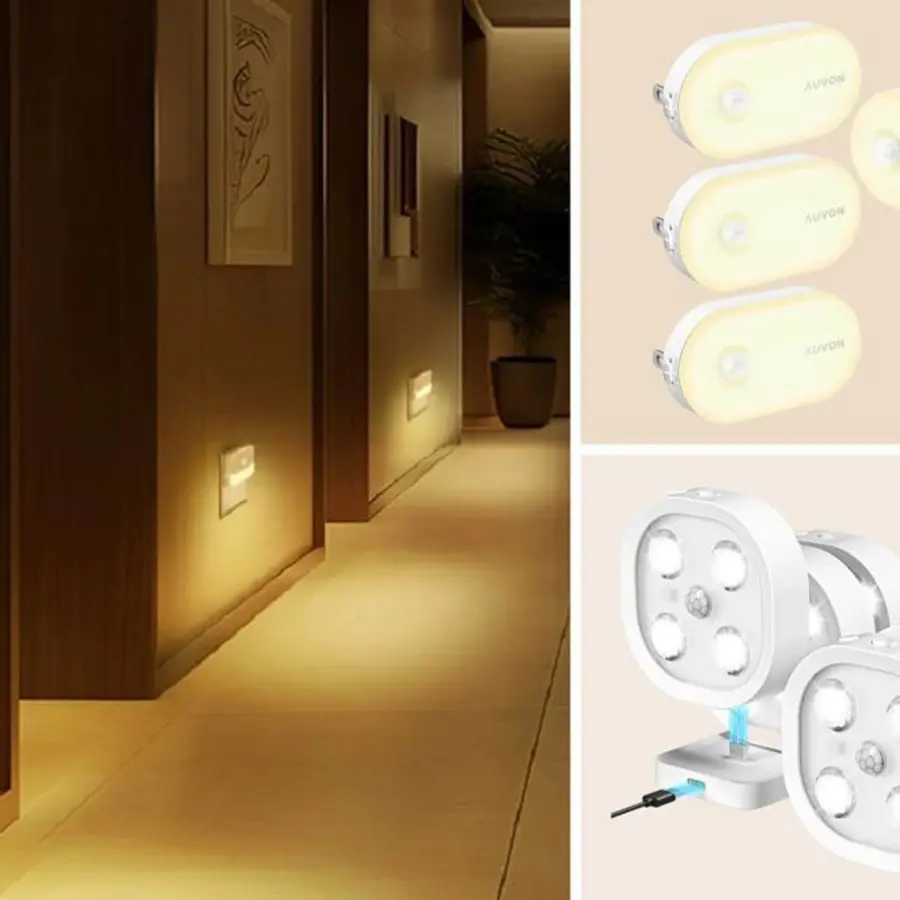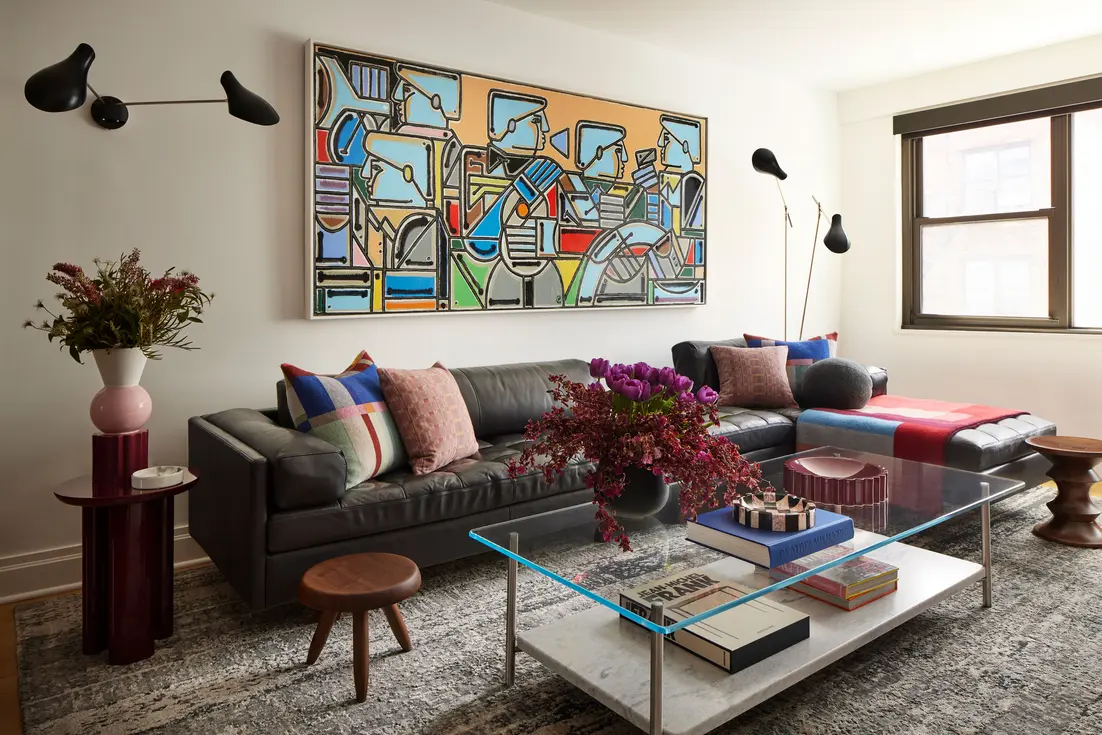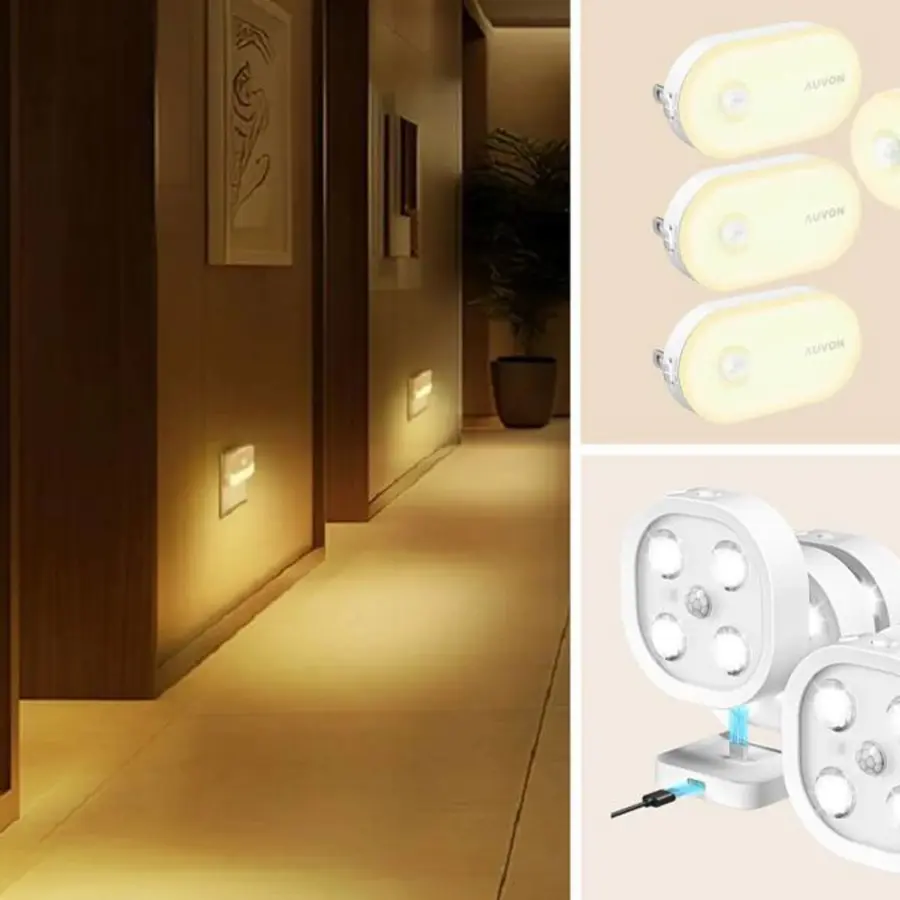
A motion sensor turns off lights while sitting still because many living-room sensors are motion detectors, not reliable occupancy detectors. A common PIR sensor usually detects meaningful changes in body heat across its view. Walking into the room creates that change; sitting on a sofa watching television, reading, or talking quietly may not.
The light is therefore not necessarily malfunctioning. The sensor or automation may simply reach its no-motion timeout and decide the room is vacant. Start by checking the timeout, the sensor’s view of the seating area, and any app-based rule that turns lights off after inactivity. If quiet occupancy is normal in the room, a different control strategy may be more suitable.
Motion detection is not the same as occupancy detection
A PIR, or passive infrared, sensor looks for changes in infrared energy caused by movement. Its strongest use is detecting a person moving through a space: entering a room, crossing a hallway, or opening a closet.
It does not continuously identify a human body as “present.” When a person becomes still, their heat signature may remain too steady for the device to register another event. This is why PIR sensors can be frustrating in living rooms, home offices, and media rooms. The limitation is inherent to the detection method, not usually a sign that the light fitting itself is at fault.
A useful distinction is:
| Sensor/control type | What it responds to | Suitable living-room role |
|---|---|---|
| PIR motion sensor | Larger movement and changes in heat pattern | Turning lights on when someone enters or crosses the room |
| Presence sensor, often mmWave | Movement plus much smaller movement, depending on setup | Keeping a scene active while someone is seated quietly |
| Manual wall control | A deliberate user command | Reliable control for television, reading, guests, and any quiet activity |
One overview of PIR sensor limitations describes the basic issue clearly: a still person produces a relatively steady infrared signal, giving the sensor little new movement to detect.
Why the sofa is often the problem area
A sensor can appear to work perfectly when someone enters the living room, then fail a few minutes later at the sofa. That pattern points to coverage or retriggering rather than a total sensor failure.
The sensor is aimed at the doorway, not the seating area
Sensors are often installed near an entrance because that is where people first need light. But a doorway-focused sensor may have a weak view of the main seating zone, particularly if the sofa is at the edge of its stated coverage area.
Furniture can also block part of the view. A tall bookcase, a floor lamp, a plant, or the high back of a sectional may matter more than expected. Do not assume a sensor “covers the room” just because it is centrally located on a floor plan. Its physical angle and sightlines matter.
The person moves toward the sensor rather than across it
PIR sensors commonly detect movement across their field of view more easily than movement directly toward or away from them. This can make a sensor responsive while someone walks across the room but less responsive from a particular chair or sofa position.
The timeout is designed for a pass-through space
A short motion sensor light timeout may be sensible in a hallway, pantry, or laundry room. In a living room, the same setting can be disruptive. If the lights turn off after a predictable interval—such as while a program is playing or during a chapter of a book—the timeout is a likely cause.
An automation rule is overriding the sensor
Smart-lighting systems may have more than one rule affecting the same lights. For example, the sensor may turn lights on, but a separate routine may turn them off after a fixed period, at a scheduled time, or when the system receives a “no motion” state.
Review routines, scenes, voice-assistant automations, and whole-home modes. Change one setting at a time so you can tell which change solved, or did not solve, the problem.
Troubleshoot the problem in this order
1. Confirm what kind of sensor you have
Check the instructions, product listing, or app. Terms such as “motion sensor,” “PIR,” and “occupancy sensor” are sometimes used loosely. A device marketed as an occupancy sensor may still rely on PIR sensing and may still struggle with a motionless occupant.
If it uses PIR only, it may never be consistently dependable for keeping lights on while someone is almost still. A comparison of PIR and mmWave sensing notes that PIR is generally better at larger movement, while mmWave sensing can respond to smaller movements.
2. Watch the pattern before moving anything
For several evenings, note:
- How long the lights stay on after you sit down
- Which seat triggers the problem
- Whether waving an arm restores the light immediately
- Whether the issue changes when the room is occupied by more than one person
- Whether lights switch off at the same time regardless of movement
If a deliberate movement restarts the timer, the problem is probably missed retriggering or a short timeout. If movement does not help, inspect the automation rules and the light’s own control settings.
3. Increase the off-delay, within reason
A longer delay is the simplest first adjustment. It reduces interruptions and may be enough if people naturally shift position, reach for a drink, or stand up regularly.
However, a longer timer does not make a PIR sensor detect a person who is sitting still. It only gives the sensor more time before it acts on the absence of detected motion. An excessively long delay can also leave lights on long after everyone has left.
For many living rooms, the best approach is to use a delay long enough for quiet viewing or reading, then decide whether the remaining inconvenience is acceptable.
4. Reposition or re-aim the sensor carefully
Before drilling new holes, test a temporary position if the device allows it. Aim for a clear view across the main seating area rather than only toward the entrance.
Avoid locating the sensor where furniture blocks it or where its useful detection area ends just before the sofa. Also consider whether the device has adjustable sensitivity, zones, or a masking feature. Follow its manufacturer instructions rather than increasing sensitivity blindly.
Higher sensitivity can create a different problem: lights turning on because the sensor catches activity outside the intended seating area.
5. Check for sources of false activity or false vacancy
A PIR sensor may miss you because you are still, while a presence sensor may create the opposite problem by treating non-human movement as occupancy. Fans, moving curtains, pets, plants, and nearby door traffic can all complicate automation, especially with highly sensitive presence sensing.
The practical principle is to give the sensor a clean view of the area that should determine whether lights remain on. Guidance on mmWave sensor placement similarly recommends reducing the detection zone and keeping the view clear of fans, curtains, and frequently moving doors.
When a presence sensor is the better fix
A living room presence sensor is worth considering when the room is routinely used for quiet activities: watching television, reading, working on a laptop, nursing a baby, resting, or simply talking without much movement.
Many presence sensors use mmWave radar, which can detect far smaller movement than a typical PIR sensor. Depending on the device, setup, and placement, this may include movements associated with breathing, typing, or minor changes in posture. That is why the technology can better support occupancy-based lighting in a seated area.
Presence sensing has tradeoffs:
- It needs more careful placement and zone tuning than a basic PIR sensor.
- It may detect activity beyond the intended room or seating area if pointed too broadly.
- It can be affected by moving objects, depending on the sensor and its environment.
- It does not remove the need for sensible automation delays.
For a large or open-plan living area, a useful arrangement can be a PIR sensor near the entrance for quick arrival detection and a presence sensor aimed at the sofa zone for continued occupancy. Whether two sensors can work together depends on the platform and automation logic.
Keep a dependable manual wall-control option
Even a well-configured sensor should not be the only practical way to control living-room light. People may want lights off while they are still in the room, want a dimmer scene for a movie, or prefer a brighter setting for reading. Guests should also be able to use the room without learning an automation routine.
Keep a conventional wall switch, dimmer, smart switch, scene controller, or other clear manual control available. If an automation platform offers manual override behavior, configure it so a deliberate switch command is respected rather than immediately reversed by the sensor.
A manual control is particularly valuable for rooms with televisions. Separating general room light from the lights nearest the screen can make the space easier to use; see our guide to a separate dimmer for recessed lights near a TV.
A practical decision guide
Choose the least complicated solution that fits how the room is actually used.
- Lights go off only occasionally during normal conversation: Try a moderately longer off-delay first.
- The failure happens mainly in one chair or on one end of the sofa: Check sightlines and sensor placement.
- The sensor is near the door and the sofa is quiet for long periods: Repositioning may help, but a presence sensor is more likely to solve the underlying limitation.
- The lights go off at the same time even when people are moving: Investigate separate app routines, schedules, or smart-home modes.
- The room is used for movies, reading, or relaxing: Treat automatic shutoff as secondary to manual scene control.
If changing a sensor requires replacing a hardwired switch or altering fixed wiring, turn off the relevant circuit and use a qualified electrician when you are not confident about the work. Device compatibility, neutral-wire needs, and local electrical requirements vary.
The key is to match the control method to the room’s behavior. Motion detection works well when movement is expected. In a living room, where being still is often the point, reliable manual control and—where needed—true presence sensing usually make for calmer lighting.
References
- Lights Off While Sitting Still? Check Sensor Coverage. (n.d.). https://whizz-experts.com/support/smart-devices/occupancy-sensor-turns-lights-off-while-sitting-still
- KNX Presence Sensor: PIR vs 24GHz mmWave Guide. (n.d.). https://winsmarthome.com/presence-sensor
- 60GHz mmWave Sensor Placement Guide | Home Assistant – LinknLink. (n.d.). https://www.linknlink.com/blogs/guides/60ghz-mmwave-sensor-placement-home-assistant
- Smart Motion Sensor Placement Guide: Room-by-Room (2026) – SmartHome Automate. (n.d.). https://www.smarthomeautomate.com/learn/smart-motion-sensor-placement-guide
- Motion Sensor vs. mmWave Presence Sensor | Aqara, SONOFF. (n.d.). https://smarterhome.sk/en/blog/motion-sensor-vs-presence-sensor-mmwave_174.html
- 5 Common PIR Sensor Problems and How to Fix Them. (n.d.). https://www.butlr.com/blog/common-problems-pir-sensors
- PIR vs mmWave Motion Sensor Guide | Home Assistant 2026 – LinknLink. (n.d.). https://www.linknlink.com/blogs/guides/pir-vs-mmwave-motion-sensor-home-assistant-2026
- Hotel Room Occupancy & Motion Sensor Solution | PresenceSensor. (n.d.). https://presencesensor.com/solutions/hotel-room-occupancy-sensor