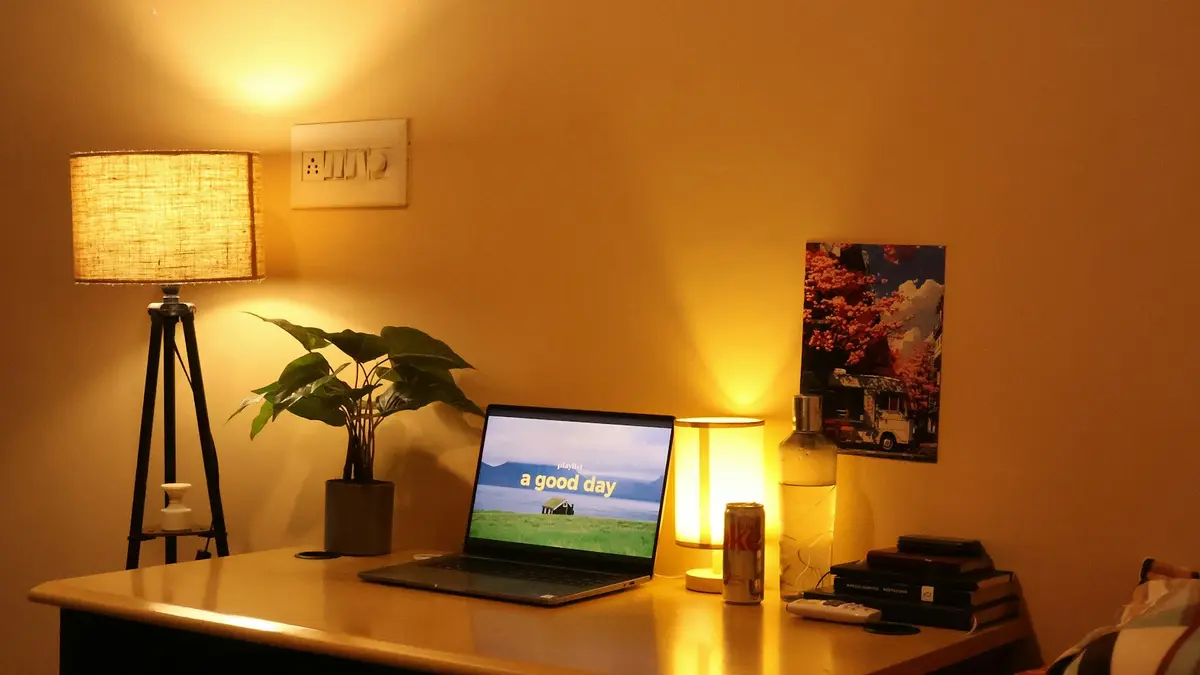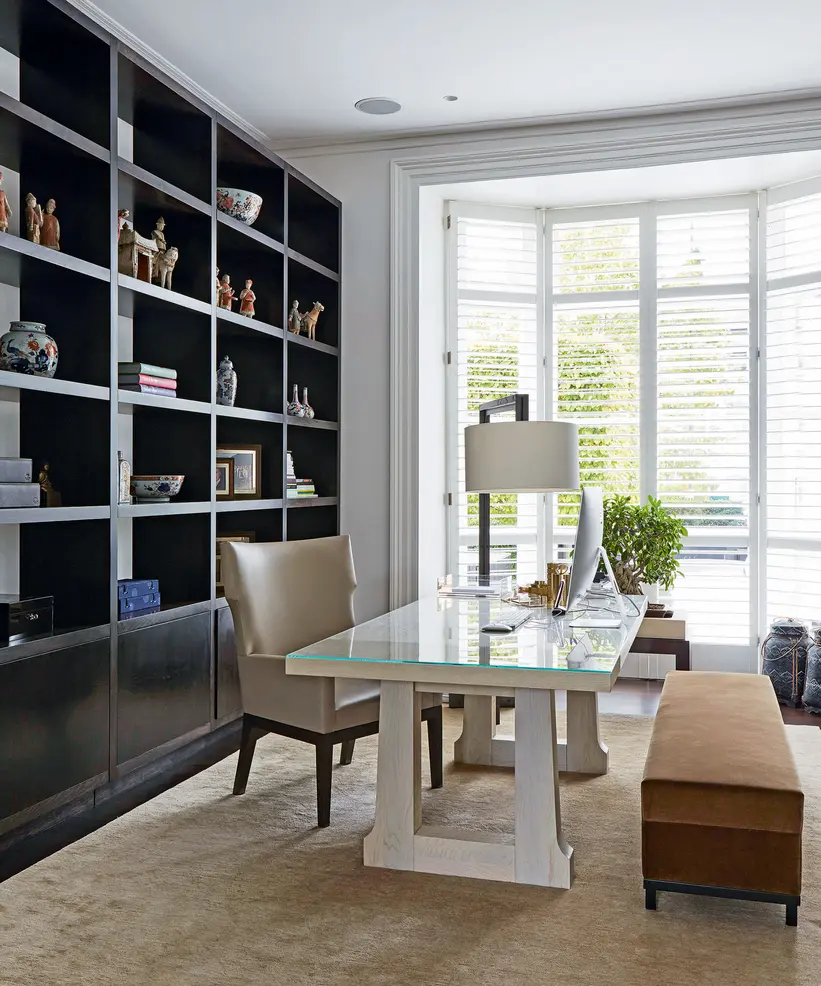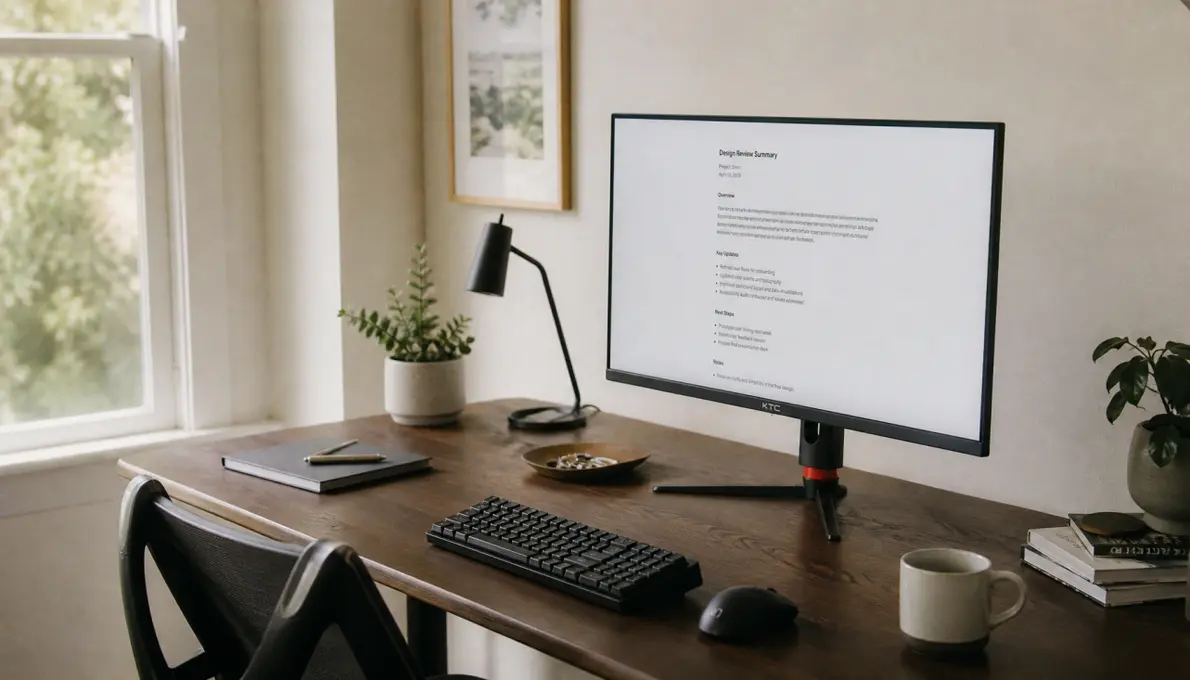
For the best color temperature for gaming and studying in bedroom, start with adjustable white lighting set around 3500K to 4000K for everyday use. This range is generally neutral enough for homework and practical enough for gaming or casual media, without making a bedroom feel as clinical as a bright daytime office.
Then use separate settings rather than searching for one perfect Kelvin number: move to 4000K to 5000K when you need clear light for paper-based homework or detailed desk tasks, and shift down to 2700K to 3000K for late-night media, casual gaming, and winding down before bed. Keep the warmer setting dimmer and indirect where possible.
A practical three-setting setup
An adjustable-white bulb, desk lamp, or smart fixture is more useful here than a fixed-color bulb because the room has competing jobs. Save three scenes or presets.
| Use | Suggested white temperature | How to use it |
|---|---|---|
| Everyday desk, mixed gaming, and casual homework | 3500K–4000K | A balanced default for the room and desk area |
| Focused reading, writing, and daytime schoolwork | 4000K–5000K | Use brighter task lighting on the desk, especially for paper work |
| Evening gaming, films, and pre-bed use | 2700K–3000K | Keep it lower in brightness and away from the monitor's direct line of sight |
These are starting ranges, not strict rules. A person who finds 4000K stark may prefer 3500K for ordinary work. Someone studying during the day in a bright room may be comfortable nearer 5000K. The useful test is whether white paper looks reasonably neutral, the desk is easy to see, and the room still feels appropriate for sleep later.
Why 3500K to 4000K is usually the best baseline
A bedroom desk needs enough clarity for ordinary tasks but should not turn the entire room into a permanently cool workspace. At 2700K, paper and pale surfaces can look noticeably warm; that can be pleasant at night but may feel subdued for a long homework session. At 5000K and above, the room can look crisp and alerting, but it may also feel too cool when used as the main bedroom light after dark.
The middle range, roughly 3500K to 4000K, is a reasonable compromise. It keeps wood tones, bedding, and skin tones from appearing excessively yellow while providing a cleaner-looking white than a typical warm bedroom lamp.
For a fixed, non-smart bulb in a multipurpose bedroom, 3500K or 4000K is usually the safer choice. Pick 3500K if the room is primarily a bedroom and the desk use is occasional. Pick 4000K if homework and daytime desk work are frequent.
Use cooler white for the task, not necessarily the whole bedroom
Cooler neutral-white light can be useful when reading printed material, handwriting, sorting notes, drawing, or working with small details. Guidance from Philips Hue and LEDVANCE places focused study lighting broadly in the 4000K to 5000K range.
That does not mean every light in the bedroom needs to become 5000K. A better arrangement is often:
- a modestly warm or neutral ambient room light;
- a brighter, adjustable desk lamp for paper work; and
- independent control for each layer.
This approach lets the desktop become clearer without flooding the bed, walls, and ceiling with cool white light.
If the desk lamp is the main study light, aim it at the work surface rather than at your face or the monitor. For right-handed writing, placing the lamp to the left can reduce hand shadows; reverse that placement for left-handed writing. See which side a desk lamp should go on for more on this basic placement decision.
Gaming and media viewing need lower glare, not automatically warmer light
For gaming and movies, a room light's Kelvin rating does not need to match the image on the screen. Most displays are commonly set around a D65, or approximately 6500K, white point for standard computer and SDR content. A display-lighting overview from KTC notes that room brightness and display brightness should be considered together.
In a dark room, a very bright 5000K or 6500K overhead light can make the screen appear dull by comparison and can create reflections. The problem is often brightness, direction, or bare-bulb glare—not that the light is technically too cool.
For most bedroom gaming, use one of these approaches:
- Casual daytime or shared-use gaming: 3500K to 4000K at a moderate level.
- Evening gaming: 3000K to 4000K, dimmed enough that it does not reflect in the screen.
- Color-sensitive creative work or calibration: use a neutral environment and avoid strongly warm room lighting that makes the display appear comparatively blue.
- Late-night games before sleep: 2700K to 3000K, preferably as indirect light behind or beside you rather than a bright ceiling fixture.
A gaming source may recommend 5500K or higher when preserving a more neutral visual impression is the priority, but that is more relevant to display accuracy and bright-room play than to making a bedroom comfortable late at night. Do not assume a high-Kelvin room lamp improves game visibility if it also causes glare or makes you turn the monitor brighter.
Brightness matters as much as Kelvin
Color temperature changes the character of white light. It does not make an underlit desk adequately bright, and it cannot fix harsh illumination.
For homework involving paper, you need enough usable light on the desk surface. For screen-based work, the room should not be pitch black, but the surrounding light should also not be much brighter than the display. A simple adjustment sequence is more reliable than choosing Kelvin first:
- Turn on the desk or ambient lighting.
- Set the monitor to a comfortable brightness for the room.
- Add enough desk light to read paper easily.
- Reduce or redirect any light that reflects in the monitor.
- Choose the warmest white temperature that still makes the task comfortable and clear.
Dimming is particularly important in a bedroom. A 4000K lamp at a low level may feel calmer than a very bright 2700K bulb aimed directly at you.
Avoid the common bedroom desk lighting mistakes
Using only RGB colors for homework
Colored LEDs can create atmosphere, but they are poor substitutes for usable white task light. Use a white setting for reading, writing, cleaning, finding items, and seeing printed colors clearly. RGB can remain an accent layer behind a desk, shelf, or monitor.
Studying in a dark room with only the monitor on
The monitor may be bright enough to see the screen, but it does not illuminate notebooks, keyboards, or the surrounding room evenly. Add a dim ambient light or a controlled desk lamp. If screen contrast is uncomfortable, monitor bias lighting may help create a gentler visual surround without shining light toward the screen.
Putting a bare bulb in the monitor's reflection path
A bright exposed bulb behind you, above the display, or directly in front of the screen can be more distracting than a less-than-perfect Kelvin setting. Use a shade, indirect lamp, wall bounce, or a fixture aimed away from the display.
Mixing unrelated whites at full brightness
A 2700K bedside lamp, 6500K desk lamp, and cool LED strip can make the room look visually unsettled. Different temperatures can coexist when they serve separate purposes, but keep the contrast deliberate and dim the non-task layers. For more context, see mixing light color temperatures in the same room.
What to look for in an adjustable-white bulb or fixture
For this room, prioritize controls over novelty features. Look for:
- Tunable white capability, ideally covering at least warm white through neutral/cool white;
- Reliable dimming, including a low enough minimum level for late-night use;
- Separate control for desk lighting and general room lighting;
- A good white-light mode, rather than relying on RGB color mixing for ordinary illumination;
- A physical control option, such as a wall control, remote, or accessible switch, if app-only operation would be frustrating.
A desk lamp and the room's main fixture do not need identical settings. In fact, a 4000K task lamp with a dimmer 2700K to 3000K bedside or ambient lamp is often more comfortable than forcing all fixtures to one setting.
The simplest answer
If you want one everyday setting, choose 3500K to 4000K. If you have adjustable white lighting, save 4000K to 5000K for focused homework and 2700K to 3000K for late-night gaming or media. Keep the desk bright enough for the task, keep screen reflections out of view, and let the bedroom become warmer and dimmer as bedtime approaches.
References
- Color Temperature for Late-Night Gaming: A 5500K Guide. (n.d.). https://us.ktcplay.com/blogs/support-tips/color-temperature-late-night-gaming
- Display Color Accuracy vs. Room Lighting Color Temperature. (n.d.). https://us.ktcplay.com/blogs/technology-hub/display-color-accuracy-room-lighting-temperature
- Which light temperature do you prefer for your space? Artificial .... (n.d.). https://www.facebook.com/championsofcolour/videos/which-light-temperature-do-you-prefer-for-your-spaceartificial-light-can-dramati/409304121742590
- Best light for studying | Philips Hue. (n.d.). https://www.philips-hue.com/en-us/explore-hue/blog/best-light-for-studying
- What Type of Lighting is Best for Focus and Studying? The Back-to-School Guide. (n.d.). https://shop.ledvanceus.com/blogs/lighting-tips/articles/what-type-of-lighting-is-best-for-focus-and-studying-the-back-to-school-guide
- What are the Best LED Colors for Reading and Studying? Unlock the Secret to Improved Focus and Better Grades | BenQ US. (n.d.). https://www.benq.com/en-us/knowledge-center/knowledge/what-is-the-best-led-color-for-reading.html
- what white color temperature would be best for my gaming/media .... (n.d.). https://www.reddit.com/r/Lighting/comments/13terr2/what_white_color_temperature_would_be_best_for_my
- Recommended color temperature for each room/activity. (n.d.). https://www.reddit.com/r/Lighting/comments/1j96tiv/recommended_color_temperature_for_each